Frontend documentation
Overview
The frontend was developed with a mobile-first approach. It was built using the following technologies:
- Vue.js 3: A progressive JavaScript framework for building user interfaces.
- Vuetify: A Vue UI library with Material Design components.
- Pinia: A state management solution for Vue.js, the successor to Vuex.
- TypeScript: A statically typed superset of JavaScript that improves the development experience.
Project Structure
The project is divided into several directories, each serving a specific purpose. Here is an overview of the src/ directory, the main directory for the frontend application's source code.
Key Subdirectories and Files:
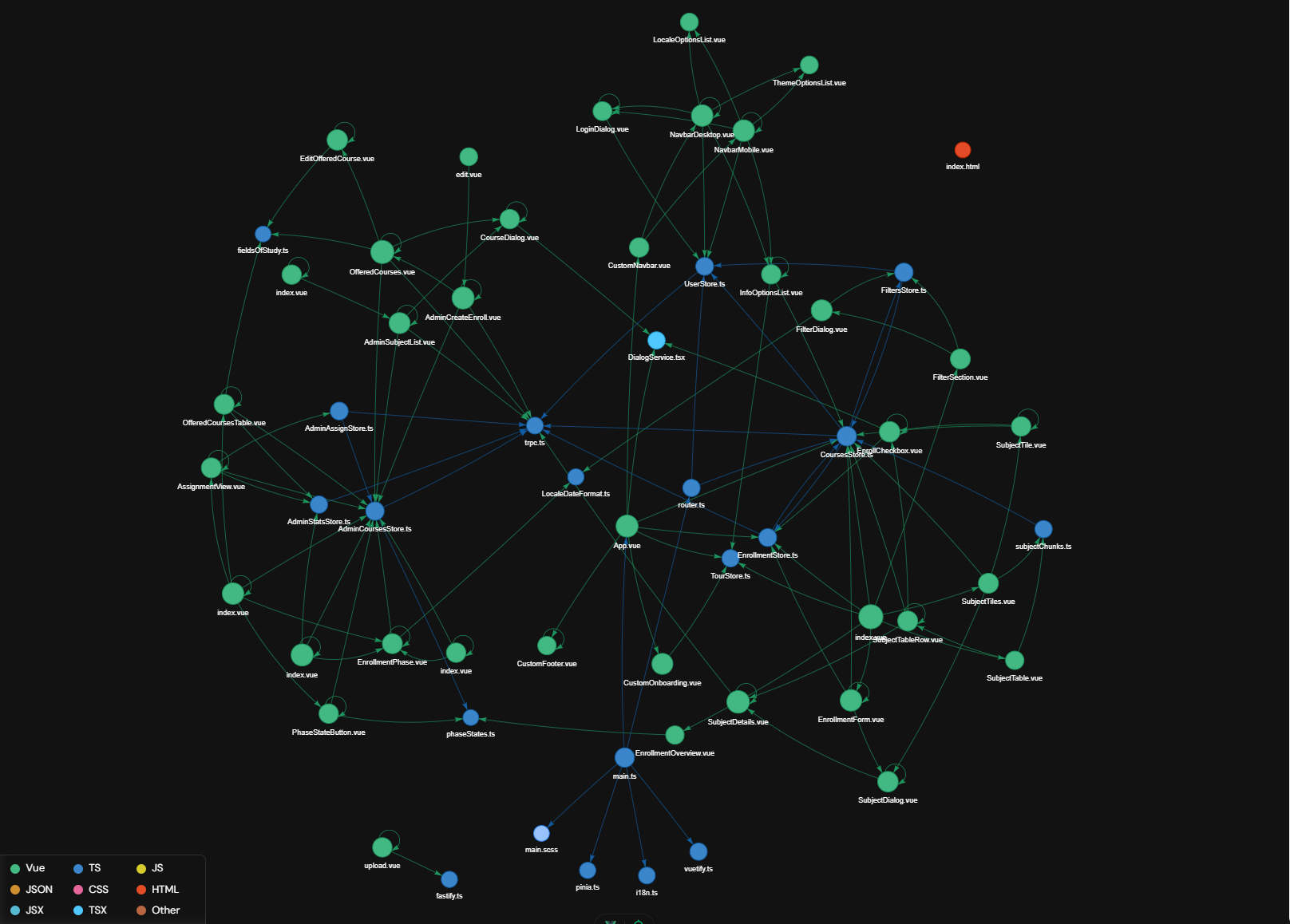
../assets/: Contains static resources such as the logo and i18n language files.components/: Contains reusable Vue components.composables/: Contains reusable Vue composables.plugins/: Initializes the used plugins.store/: Contains the Pinia stores for state management.views/: Contains higher-level view components that often correspond to routes.App.vue: The root component of the application.main.ts: The entry point of the application, where Vue is initialized and the app is mounted.
Component Structure
State Management with Pinia
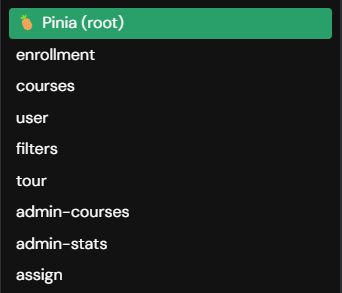
Pinia is used for state management and allows centralized state management throughout the application. Stores are located in the store/ directory and are modularized by functionality.
- user: Handles logging in and out and manages user data.
- enrollment: Manages enrollment.
- courses: Manages courses.
- filters: Manages filters and search.
- admin-courses: Manages all courses (visible only to admins).
- admin-stats: Manages statistics (visible only to admins).
- admin-assign: Manages enrollment phases (visible only to admins).
Page Components
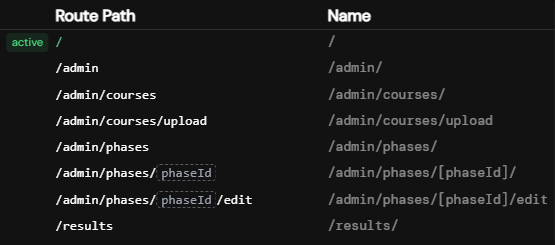
Page components correspond to specific routes and are located in the views/ directory. These components use reusable components to create the page. The files in the views/ directory represent the routes (file-based routing).
Reusable Components
Reusable components are located in the components/ directory. Each component typically consists of:
- Template: Defines the HTML structure.
- Script: Contains the logic of the component, written in TypeScript.
- Style: Contains scoped SCSS, specific to the component.